One laser. One asteroid.
Your next step.
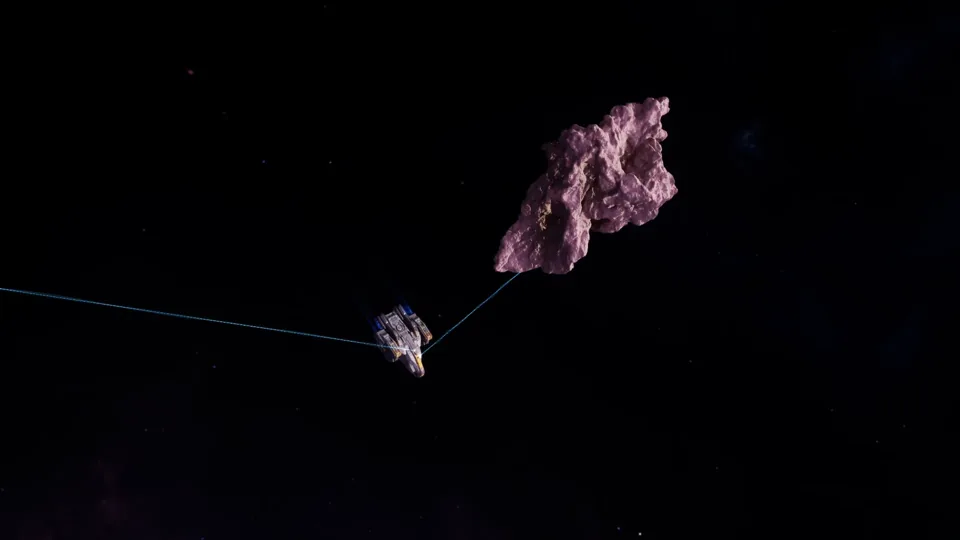
Find an asteroid field, activate your mining lasers and put your drones to work. Bring your haul back to the station and decide what comes next.
Watch gameplay VOID FRONTIER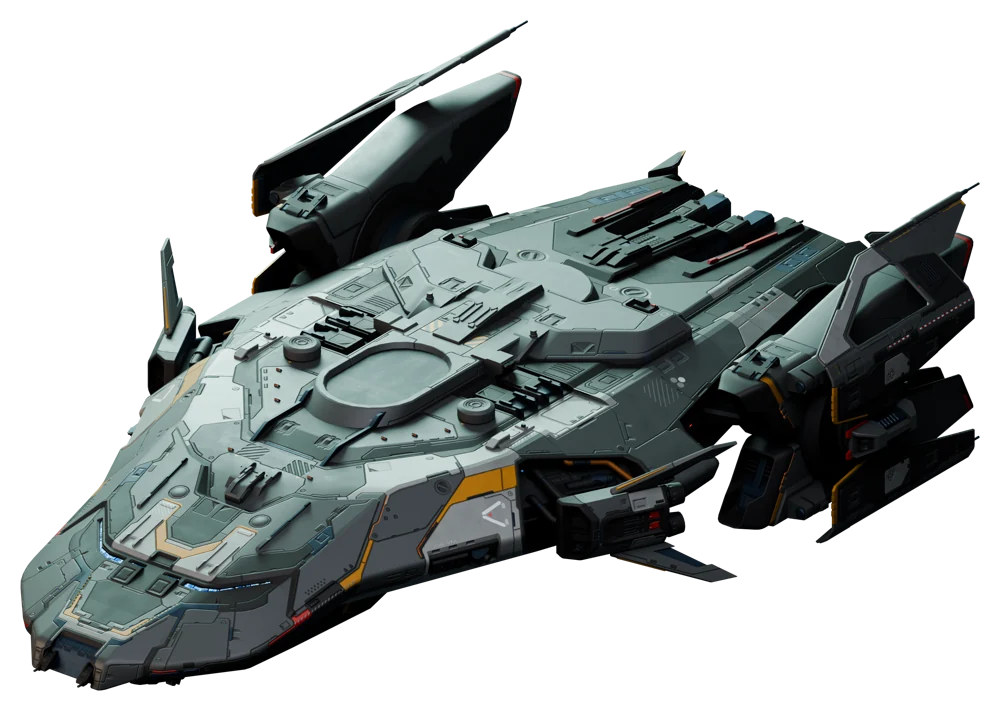
A space game for Windows
Fly missions, gather resources and fit your ship for the next departure. Your adventure starts in the launcher.
Your ship. Your next horizon.

Add Void Frontier to your wishlist and hear from Steam when the game releases.
Wishlist on Steam (opens in a new tab)Coming soon to Steam.
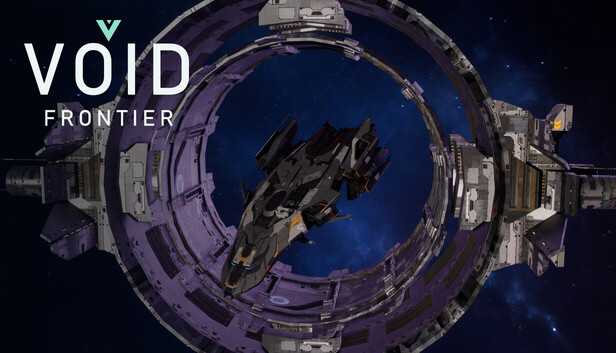
A flight becomes a mission. Resources become new equipment. And your first ship becomes your own way through Void Frontier.
Discover what happens between two landings.
Find an asteroid field, activate your mining lasers and put your drones to work. Bring your haul back to the station and decide what comes next.
Watch gameplay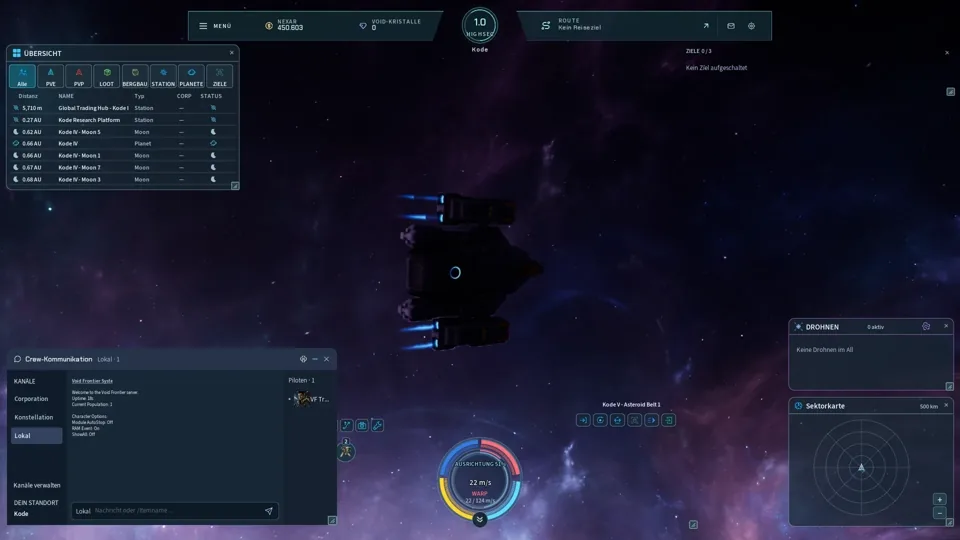
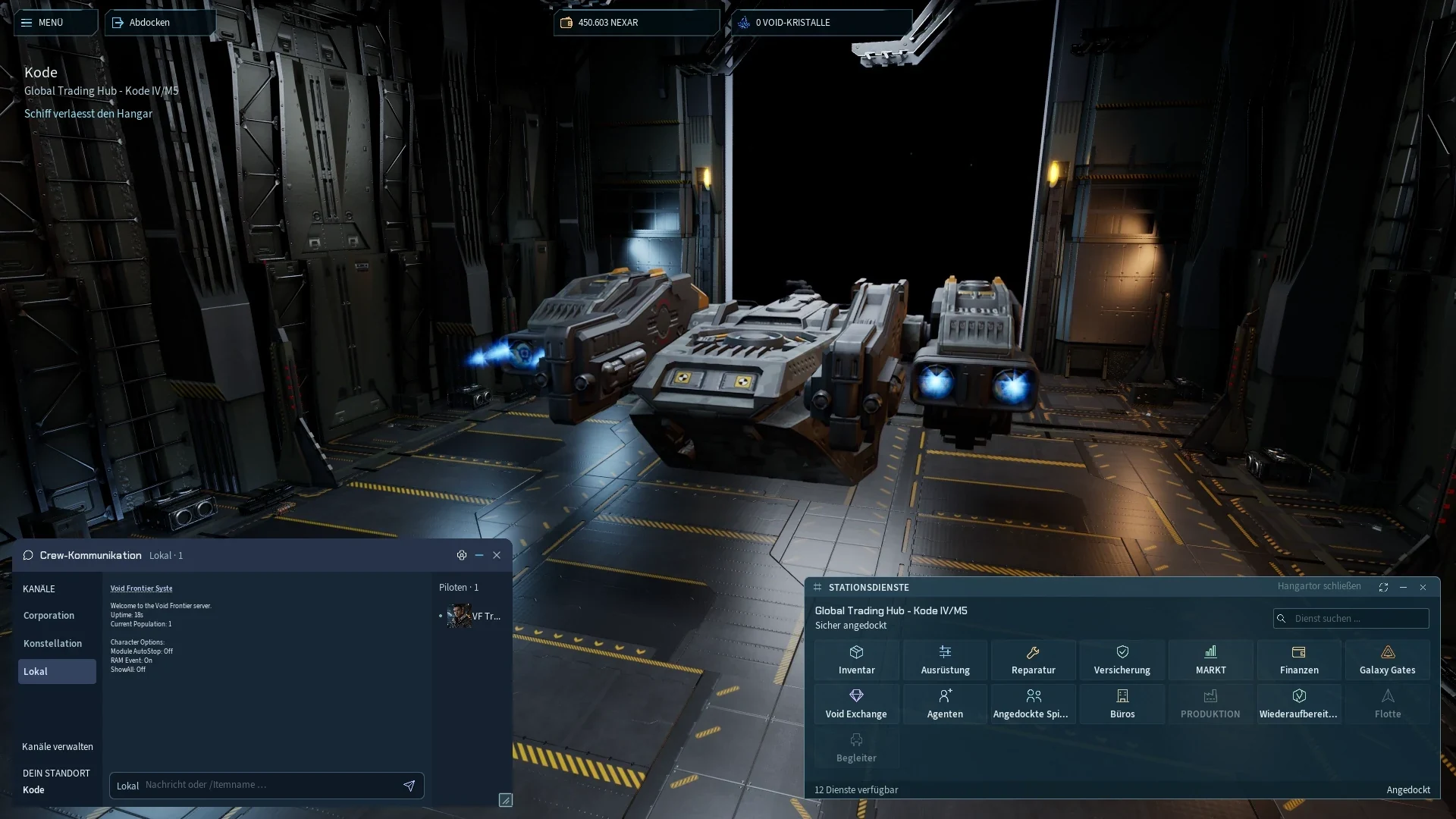
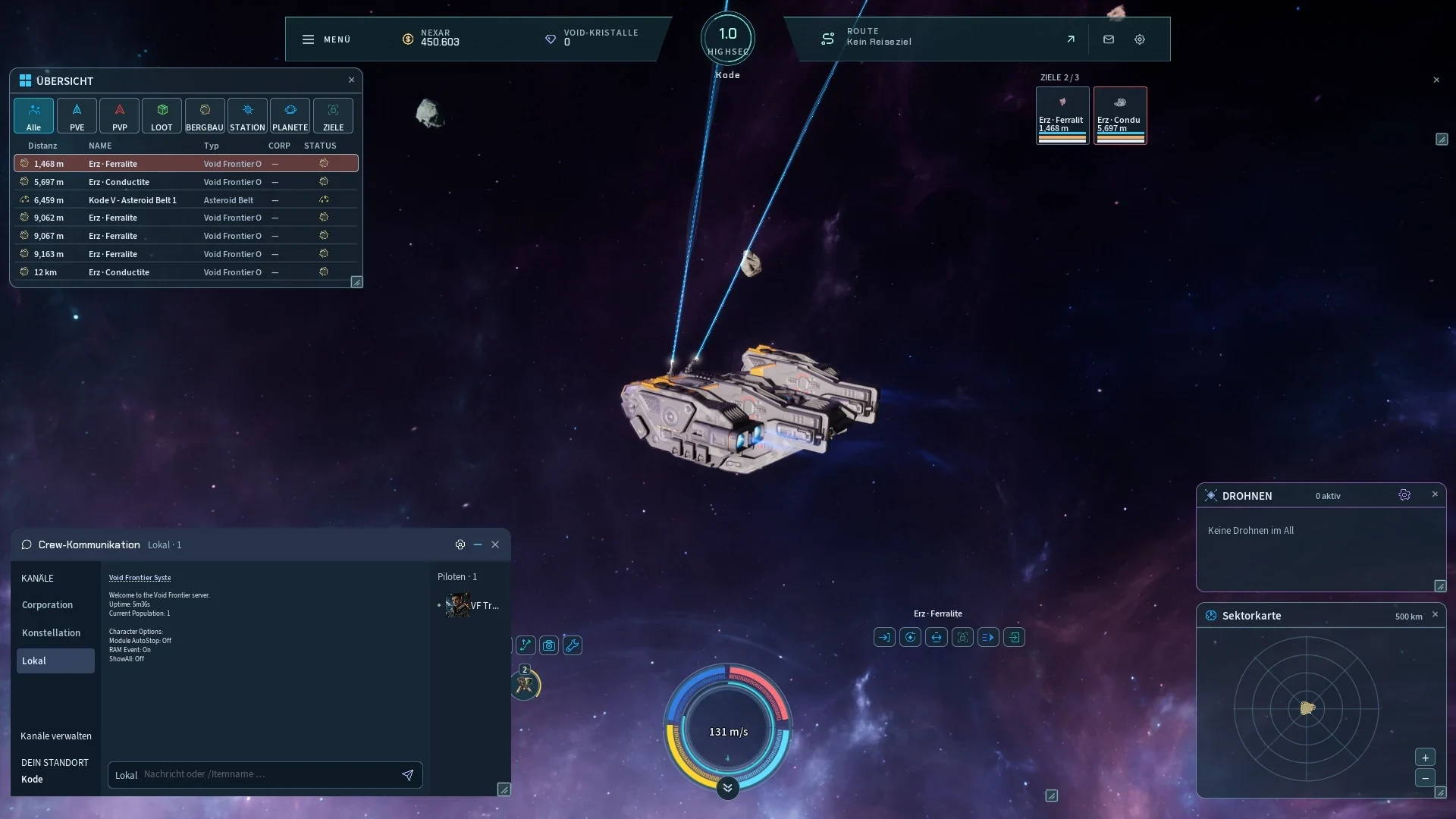
Leave the station and set a course for your next destination. Use your warp drive, choose an orbit and keep an eye on your surroundings in the overview.
Watch gameplay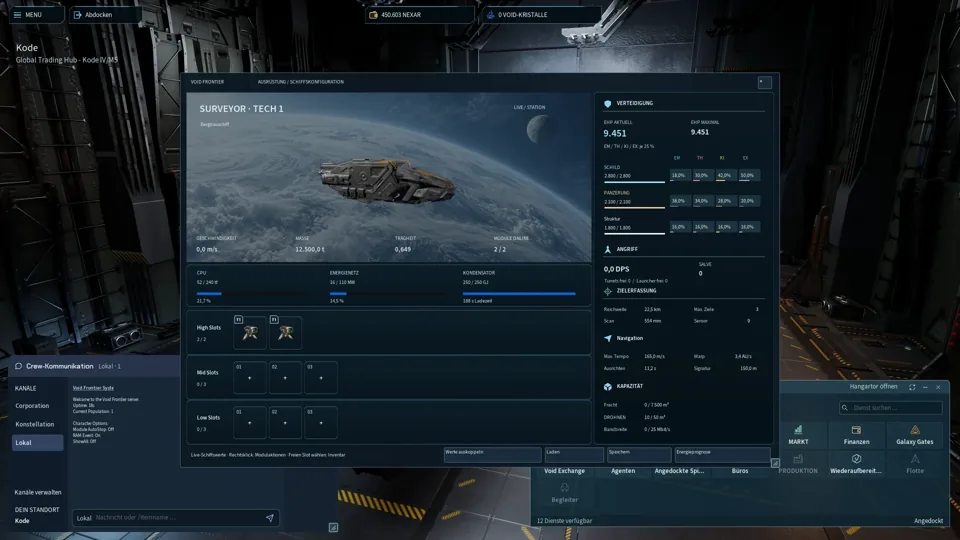
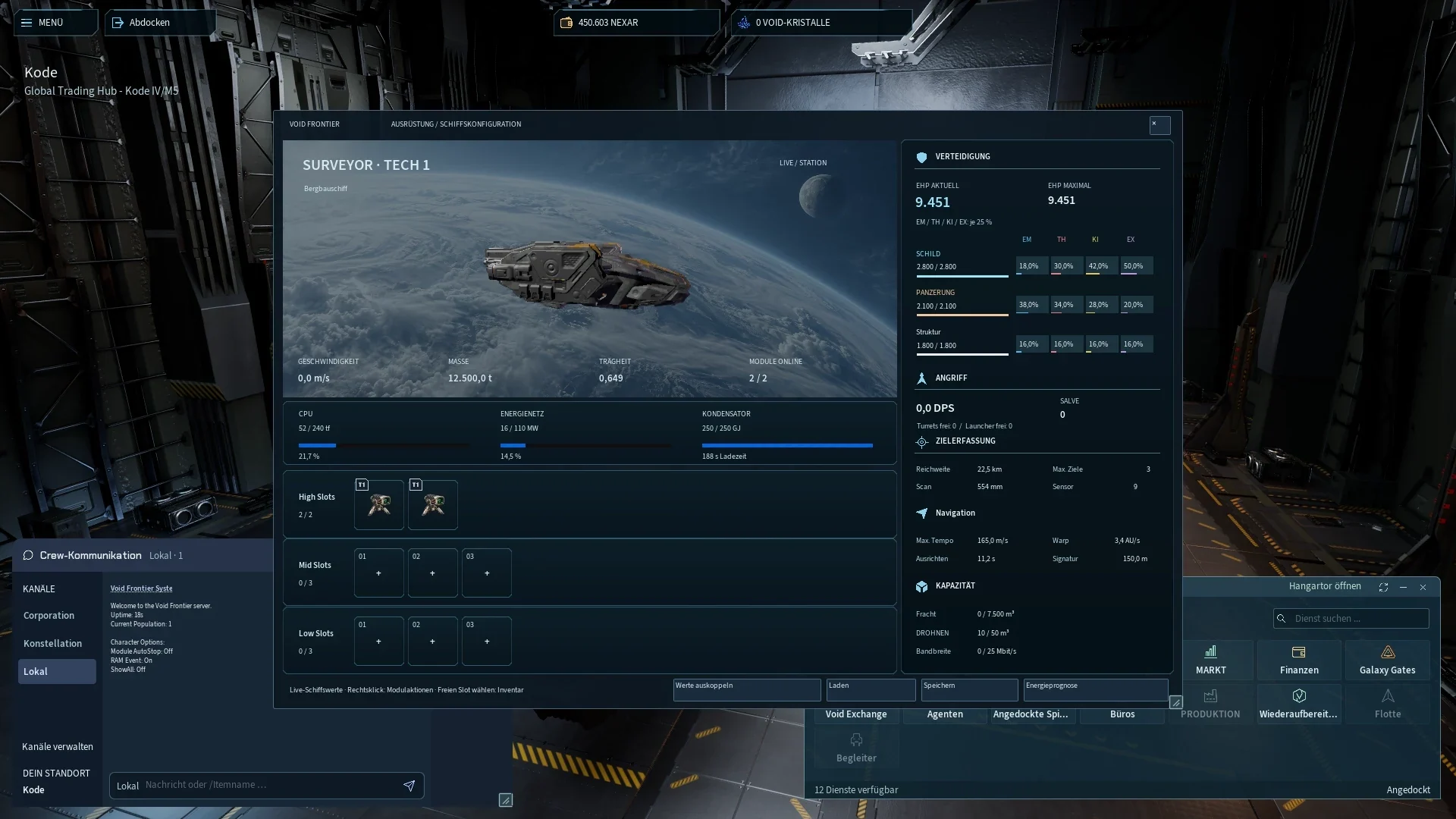
Weapons, modules and ammunition: fit your ship for the next mission. CPU, powergrid and available slots shape your decisions.
Watch gameplay34 secondsStraight from the game
Fit your ship, leave the hangar and set a course for the asteroid field. A look inside the current game client.
Watch the flightNew footage recorded on 18 October 2026 in the current development client on an isolated test server. Actual game interface and sound, edited footage.Two hulls. New possibilities for your next mission.
More room for your tactics
Your fitting makes the difference. The Striker puts a cruiser hull behind your next loadout: decide how to use its resources for your flight.
The original Pegasus model with separate engine outriggers. Choose your weapons and modules in the game.
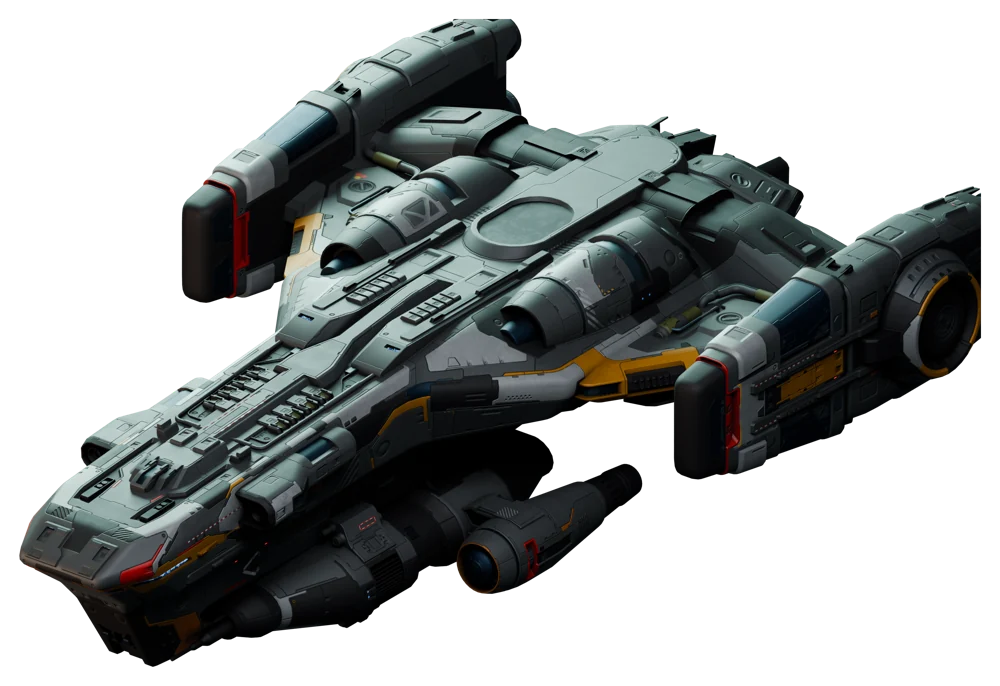
Ready for the next mission
A different hull brings new decisions. Choose weapons and modules for your mission, and keep track of range, energy and your targets.
Known in-game as the Wardbreaker. Shown with its original Proteus model and compact, broad silhouette.
Original game models, rendered for this website.
More than a backdrop. Your cockpit, your equipment, your decisions.
For Windows 64-bit
Install the launcher. It downloads the current Unreal game client and keeps your installation up to date.
Download and install the Windows launcher. It downloads the current game client. Then sign in, choose your character and start your flight.
Yes. Register and sign in directly in the launcher using your game account.
Void Frontier runs as a native Unreal Engine client. This website introduces the game; the launcher is your access to it.
The currently available launcher supports Windows 64-bit. There is currently no macOS or Linux download.
Void Frontier is actively being developed. Features, content and visuals are changing. The current client is intended for trying the game and giving feedback.
Describe your issue and, for bugs, include a screenshot if possible in an email to support@myvlife.de. Never share your password.